Formengine Core Open-Source, Free JSON Form Renderer React Library
From simple to complex React forms — built with minimal code, no deep React knowledge, and without compromising performance
npm i @react-form-builder/core
 Star us on GitHub

FormEngine Core Free React Form Library Architecture
This is the main Form Builder package that contains the React methods and components for displaying the form. This package must be used at runtime.
-
@react-form-builder/core
The Most Flexible Open Source Library for React Forms
Open Source
Gives you full control, transparency, and flexibility. You can audit the code, adapt it to your needs, and rely on a community-backed project with no vendor lock-in or hidden limitations.
MIT License
Free to use, modify, and embed in commercial projects. No restrictions or lock-in. Ideal for integrating into your React apps or building your own solution on top.
Easy custom component integration
Quickly define your own component by specifying its name, type, and props.
Ready to use with popular frameworks
Works seamlessly with Next.js, Remix, and other modern React stacks with no special setup required.
Ready-to-use component library
Includes built-in components and supports easy integration of custom ones. Get started fast without sacrificing flexibility.
Reusable forms across apps
Just copy and use. Forms are easily portable between applications with minimal effort. A single JSON object contains the full structure, logic, styles, validation, and actions.
Built-in actions
Forms support actions like submit, reset, and external calls out of the box. Define only what you need in code or JSON — and it'll just work.
Built-in form validation
Data validation works out of the box with no extra code. Required fields, error messages, and rules are defined directly in code or JSON. Easily integrates with third-party validation libraries.
Built-in localization
Forms are ready for multi-language support out of the box. Third-party localization libraries can be integrated if needed.
Dynamic CSS and responsive layout support
Forms automatically adapt to different devices and styles — no additional layout code needed.
Programmatic form creation and dynamic generation
Build or modify forms in real time using code or external data sources.
Lower learning curve
Easily create forms using typed FormEngine Core functions, without writing components or learning complex React concepts. JSON representation of the form is also supported for configuration-driven use.
No advanced React skills required
Build a Working React Form in Minutes
This short video shows how to create a fully functional form in React using FormEngine Core. You define your form as JSON, and the library handles layout, validation, and logic for you. It's perfect for beginners, small projects, or teams looking for a quick and reliable way to build forms without writing boilerplate code.
Build forms faster for a fraction of the cost
Quickly build any internal app, automate any workflow and schedule any job. Save precious engineering time so you can focus on your next big product launch.
Programmatic Form Creation
Build complex React forms programmatically using a fluent API
This advanced example shows how to build a dynamic form programmatically using the buildForm() function and Rsuite UI components. The form includes layout RsContainer, inputs RsInput, a date picker, validation rules, and a custom submit action.
import {viewWithCss} from '@react-form-builder/components-rsuite'
import {buildForm, FormViewer} from '@react-form-builder/core'

const simpleForm = buildForm({errorType: 'RsErrorMessage'})
  .component('container', 'RsContainer')
  .style({flexDirection: 'row'})
  .children((builder) =>
    builder
      .component('firstName', 'RsInput')
      .prop('placeholder', 'Enter your first name')
      .prop('label', 'First Name')
      .validation('required')

      .component('lastName', 'RsInput')
      .prop('placeholder', 'Enter your last name')
      .prop('label', 'Last Name')
      .validation('required')
  )

  .component('birthDate', 'RsDatePicker')
  .prop('label', 'Birth Date')
  .prop('oneTap', true)
  .validation('min').args({value: '1900-01-07T12:25:37.000Z'})

  .component('submit', 'RsButton')
  .prop('children', 'Submit')
  .prop('color', 'blue')
  .prop('appearance', 'primary')
  .event('onClick')
  .commonAction('validate').args({failOnError: true})
  .customAction('onSubmit')
  .json()

export const App = () => {
  return <FormViewer
    view={viewWithCss}
    getForm={() => simpleForm}
    actions={{
      onSubmit: (e) => {
        // submit the form to the backend
        alert('Form data: ' + JSON.stringify(e.data))
      },
    }}
  />
}
Custom components
Easy custom component integration
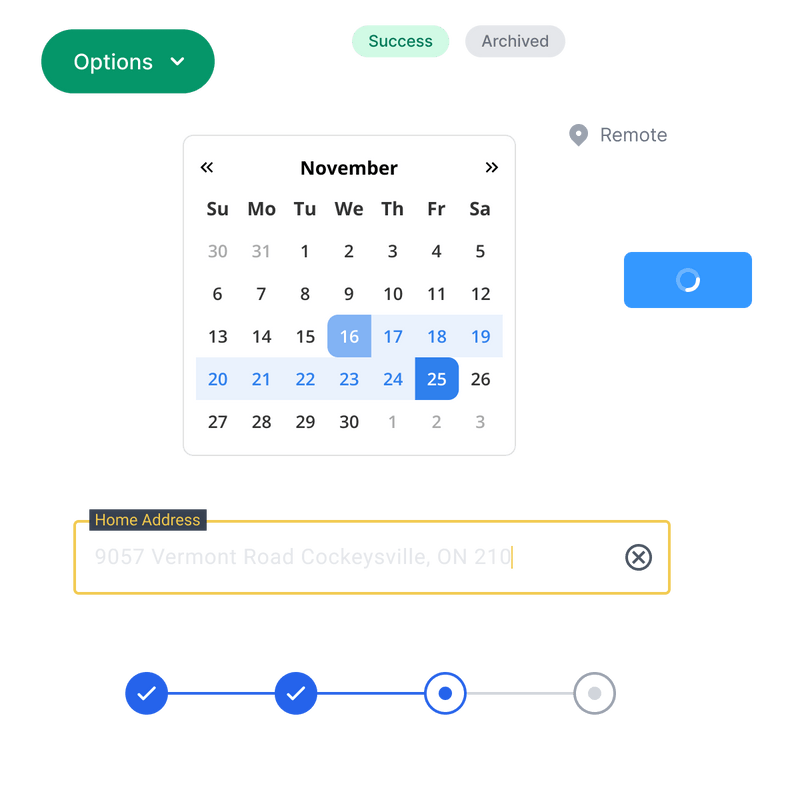
Easily integrate custom components by specifying their name, type, and props. Add custom fields, groups, wrappers, or dynamic behaviors — and match your design system and business logic requirements.

JSON Form Renderer for Next.js and Modern React
Effortless integration with Next.js, Remix, and other React frameworks
Render dynamic forms in your Next.js app with just one JSON file. FormEngine handles layout, logic, and validation out of the box — fully customizable, MIT-licensed, and production-ready.
Ready-to-use components library
Say goodbye to the hassle of searching for elements on GitHub and struggling to make them work.
Includes built-in components and supports easy integration of custom ones. Get started fast without sacrificing flexibility.
With FormEngine, you get a comprehensive package of ready-to-use components that can be easily customized to meet your specific needs.
Customization Options
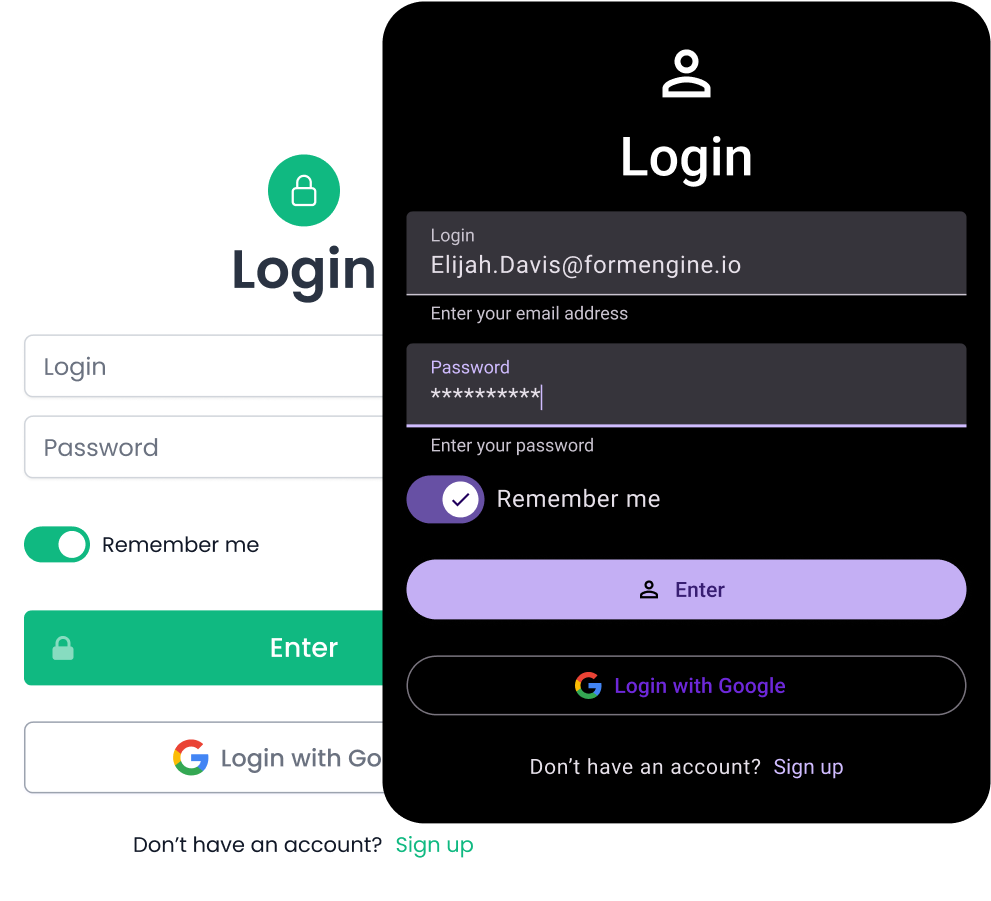
Customize the appearance and behavior of form elements
Apply component styling, and add your own validation rules or data processing logic. A flexible and customizable form builder can adapt to your project's unique requirements.
Built-in Functionality
Built-in actions
Forms support actions like submit, reset, and external calls out of the box. Define only what you need in code or JSON — and it'll just work.
<FormBuilder
  actions={{
    logEventArgs: e => console.log(e),
    assertArgs: ActionDefinition.functionalAction((e, args) => {
      console.log(e, args)
    }, {
      p1: 'string',
      p2: 'boolean',
      p3: 'number'
    })
  }}
/>
Native and Third-Party Form Validation
Built-in form validation
FormEngine Core includes built-in validation for required fields, error messages, and custom rules. You can define everything directly in JSON or code. It also integrates easily with popular validation libraries such as Yup, AJV, Zod, Superstruct, Joi, or your own custom logic. No extra setup is needed.
Internationalization
Built-in localization
Forms are ready for multi-language support out of the box. Third-party localization libraries can be integrated if needed.
Multilingual Input Values
Support for multiple languages in form input values and user data.
Localizable Form Builder UI
The form builder interface itself can be translated to different languages.
Localizable Form UI
All form elements, labels, validation messages, and configuration properties can be localized.
Adaptive layout
Dynamic CSS and responsive layout support
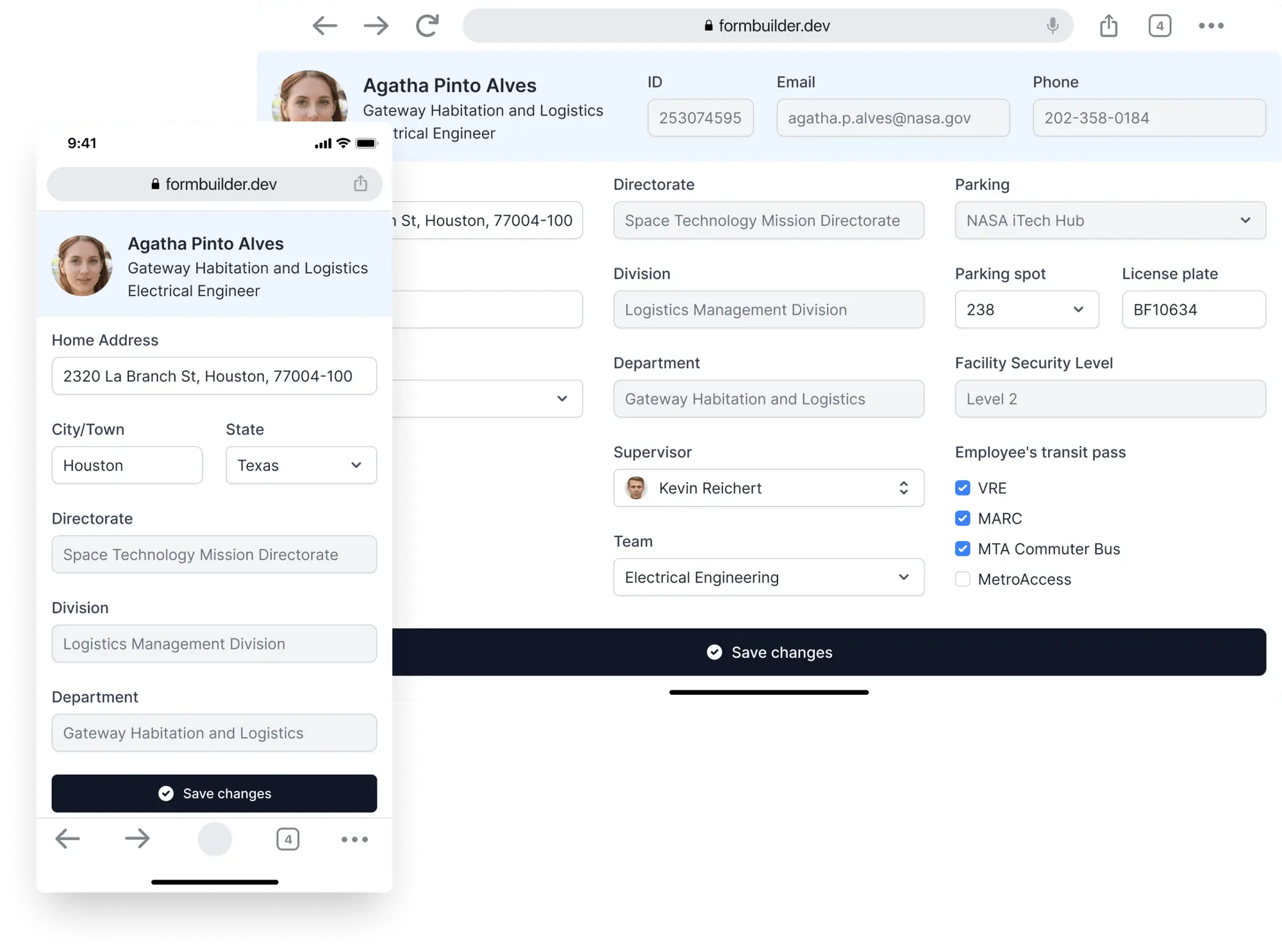
Forms automatically adapt to different devices and styles — no additional layout code needed.
Conditional Logic and Dynamic Form
Dynamic and interactive forms that adapt to user choices or input
Define rules or conditions that control the visibility or behavior of form fields or sections based on specific criteria or user input. With FormBuilder conditional logic, you can set up rules that determine when certain form elements should be displayed, hidden, or disabled, based on the values or selections made in other fields.
With Optimajet FormBuilder, you typically define conditional logic through a visual interface or configuration settings. This allows you to specify the conditions and actions associated with each form field or section. The FormBuilder then handles the logic and updates the form's state or DOM dynamically based on the defined conditions.
FAQ FormEngine Core React Form Library
What is Optimajet FormEngine Core?
FormEngine Core is a high-performance headless form engine that renders dynamic forms from JSON and lets you fully control form logic from the backend.
Can I control form logic from the backend?
Absolutely. FormEngine was built for server-side control. You can modify fields, validation, conditions, and visibility entirely from your backend.
Is FormEngine Core open-source?
Yes. FormEngine Core is fully open-source and released under the MIT license. It's free to use, modify, and embed in commercial or private projects — no limitations, no vendor lock-in.
Can FormEngine Core be used without a visual builder?
Yes. You can define and manage forms entirely via JSON or programmatically through the typed API — no need for a visual interface unless you want one.
Does it support multi-step forms or form wizards?
Yes. You can define multi-step workflows and control navigation between steps through schema configuration or backend logic.
Is FormEngine Core suitable for enterprise applications?
Yes. It's built with flexibility, performance, and backend control in mind — making it perfect for B2B SaaS, internal platforms, and complex enterprise forms.
Can I preload form data or populate fields with external values?
Yes. You can hydrate forms with initial values from your backend or external API and update field values reactively as needed.
How is FormEngine Core different from React Hook Form or Formik?
Unlike React Hook Form or Formik, FormEngine allows you to define entire forms in JSON — including structure, logic, validation, and actions — making it ideal for backend-driven applications and dynamic UIs.
Does it support custom React components?
Yes. You can plug in your own custom components by simply specifying the type and props in JSON or through a builder interface.
Can I reuse the same form in multiple projects?
Yes. Forms are fully portable between apps. The entire form — structure, styling, validation, and logic — lives in a single JSON object you can copy and reuse.
Does FormEngine Core support form validation?
Yes. Validation rules are defined declaratively in JSON. You can use built-in rules (like required, min/max) or define custom validation logic.
Can I use FormEngine Core in microservice-based systems?
Absolutely. FormEngine is ideal for distributed architectures where form definitions and logic are managed by backend services and rendered on the frontend.
Can I integrate FormEngine Core with my existing design system?
Yes. Since FormEngine is headless, you can map form elements to your own styled React components and preserve your design system.
Is there a community or support available?
Yes. You can join the growing FormEngine community on GitHub, access the official documentation, or contact the team for commercial support options.
Does FormEngine Core work with Next.js or Remix?
Yes. It integrates seamlessly with modern React frameworks like Next.js and Remix — no special setup required.
Is dynamic logic and conditional rendering supported?
Yes. FormEngine supports reactive field logic — such as show/hide, dynamic validation, conditional actions — all declaratively defined.
Is FormEngine Core fast and lightweight?
Yes. It's designed for performance — minimal re-renders, no heavy runtime, and scalable even with large and complex forms.
Can forms be updated dynamically at runtime?
Yes. FormEngine supports runtime changes to fields, values, validation, and visibility — ideal for dynamic UIs driven by external data or user input.
How does FormEngine Core handle form actions like submit or reset?
Form actions are built-in and configurable. You can define submit, reset, external API calls, or custom handlers declaratively within the schema.
Does FormEngine Core support internationalization (i18n)?
Yes. Labels, placeholders, messages, and validation errors can all be defined in a way that supports localization and language switching.








Trusted by global organizations
Leading companies choose FormEngine for their form solutions









Testimonials
What people say
OptimaJet's FormBuilder has been a game-changer for our form creation process. Our end users are delighted with the ability to customize the form's layout and structure without any coding knowledge. It has truly streamlined our workflow and empowered our team to create visually appealing and user-friendly forms.
Samantha Lee
Staff Software Engineer, DCL Software
We've been able to produce forms two times faster than we were before FormBuilder. Adding FormBuilder to the scope was definitely the right thing for us. As a developer, I appreciate the ability to apply custom CSS styling, add external validators, and implement personalized data processing logic. The FormBuilder adapts perfectly to our project's unique requirements.
Milovan Popovic
Enterprise Applications Manager, CP AdaBytes d.o.o
FormBuilder has empowered us to create a truly tailored and seamless form-building experience. The best part? You can easily tweak and customize them to match our exact needs. The ability to monitor other fields and run validations asynchronously adds a whole new level of flexibility.
Oliver Garcia
CTO, ERP Groupe
Have a question?
Ask and we'll get back with you in 1 business day.