Disabled and read-only
:::info For form authors
Toggle Read only or Disabled on Main for the selected field.
Full guide → :::
Disabled and read-only properties
You can make all or part of the form disabled or read-only. There are several mechanisms for this.
:::info Important
For components that do not have readOnly and disabled properties this mechanism does not apply.
:::
The FormViewer component properties disabled and readOnly
Use the readOnly property to make the form read-only. Use the disabled property to disable components.
These properties apply to any form.
const App = () => {
  return <FormViewer
    disabled={true}
    readOnly={true}
    view={view}
    getForm={getForm}/>
}
Screen component properties
These properties are stored in the form and affect all child components of the form.
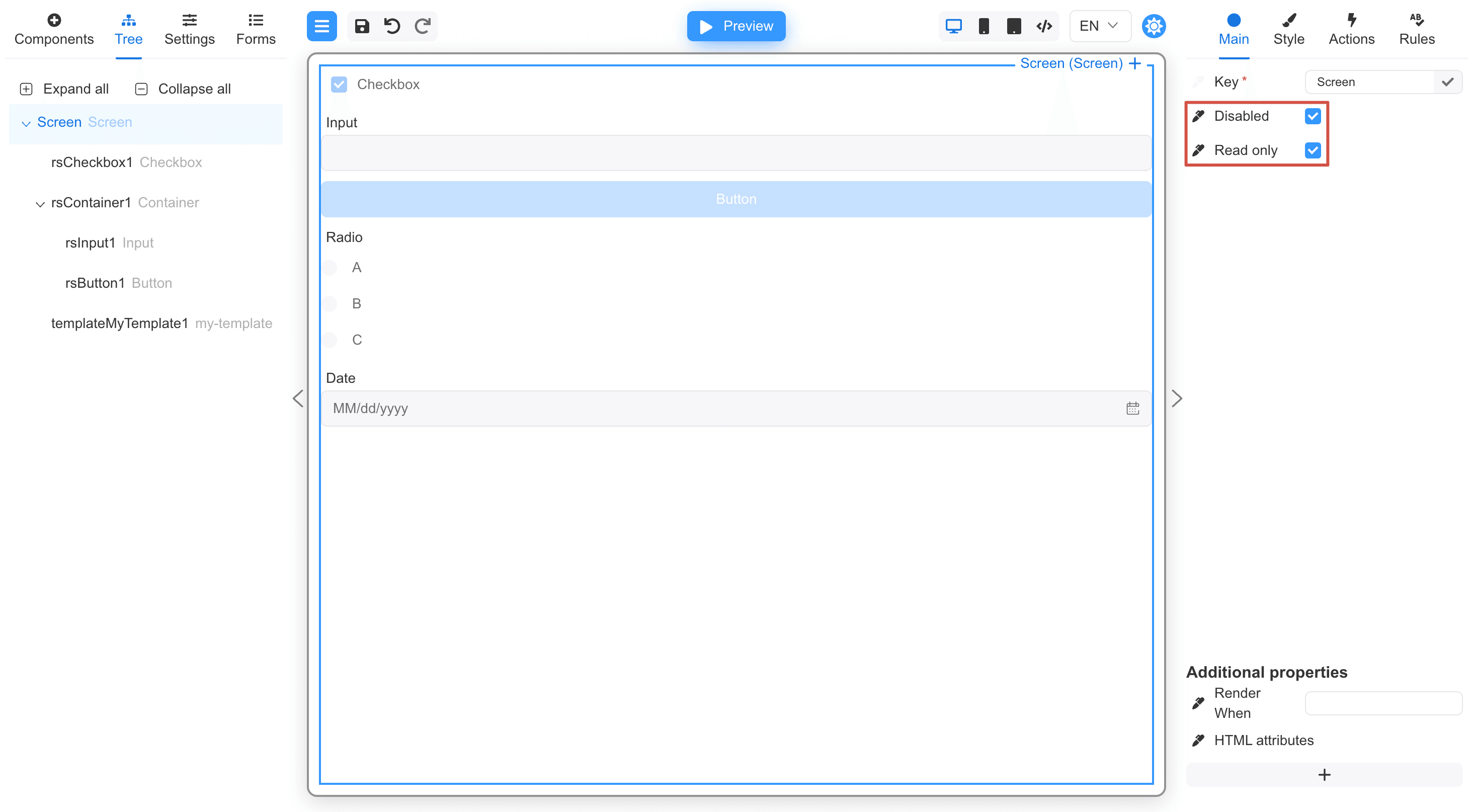
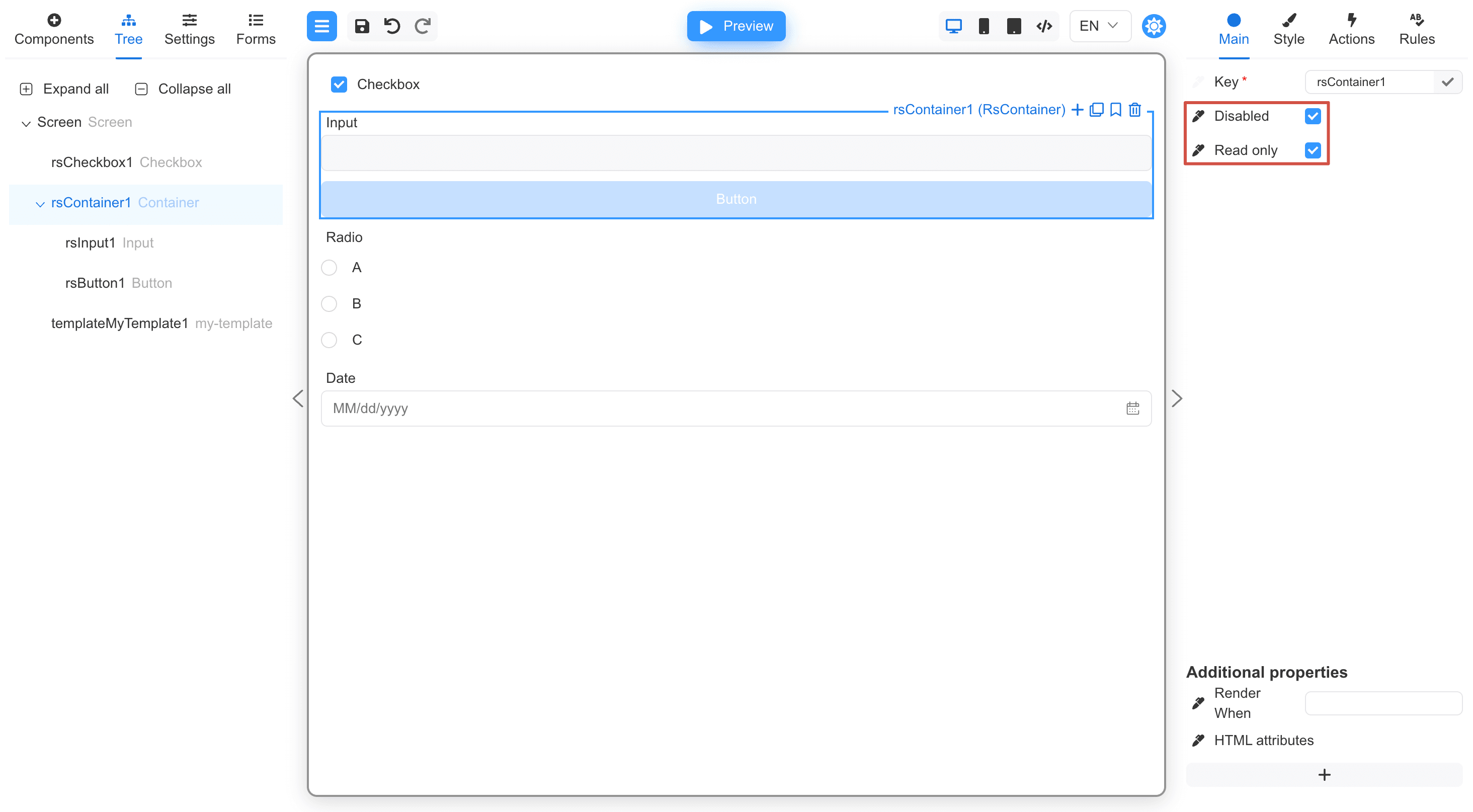
Container component properties
These properties will affect all child components of the Container component.
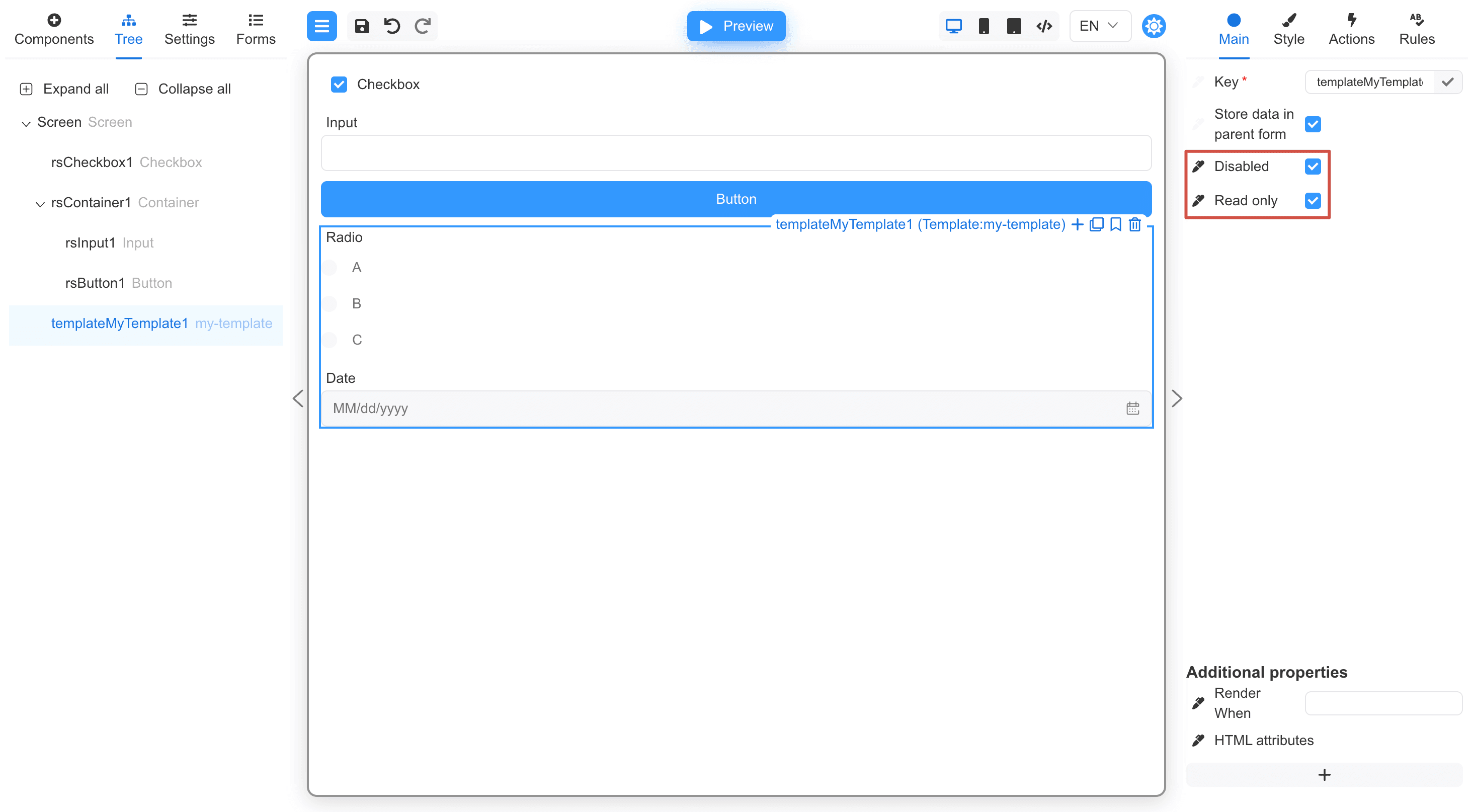
Template properties
These properties will affect the entire template used.
Custom component properties
To describe a component property as disabled use the disabled variable.
To describe a component property as readOnly use the readOnly variable.
import {buildForm, createView, define, disabled, FormViewer, readOnly} from '@react-form-builder/core'

interface MyComponentProps {
  disabled?: boolean
  readOnly?: boolean
}

const MyComponent = (props: MyComponentProps) => {
  const {disabled, readOnly} = props
  return <div>
    <div>{disabled ? 'Disabled' : 'Enabled'}</div>
    <div>{readOnly ? 'Read-only' : 'Writable'}</div>
  </div>
}

const myComponent = define(MyComponent, 'MyComponent')
  .props({
    disabled: disabled,
    readOnly: readOnly,
  })

const view = createView([myComponent.build().model])

const form = buildForm()
  .component('myComponent', 'MyComponent')
  .json()

export const MyViewer = () => {
  return <FormViewer view={view}
                     readOnly={true}
                     disabled={true}
                     getForm={() => form}
  />
}